vivo design system
ui kit guideline
I own and evolve the vivo design system, keeping our products feel consistent and easy to use. By building a unified design language, I help teams ship faster while maintaining the experience coherent, and aligned with the brand.

The original design system was built in Sketch, but it had a messy structure, unclear naming, and almost no usable documentation.
I led the migration to Figma and rebuilt the system from the ground up—creating a structure that actually scales with our growing product needs.
The original design system was built in Sketch, but it had a messy structure, unclear naming, and almost no usable documentation.
I led the migration to Figma and rebuilt the system from the ground up—creating a structure that actually scales with our growing product needs.
The original design system was built in Sketch, but it had a messy structure, unclear naming, and almost no usable documentation. I led the migration to Figma and rebuilt the system from the ground up—creating a structure that actually scales with our growing product needs.
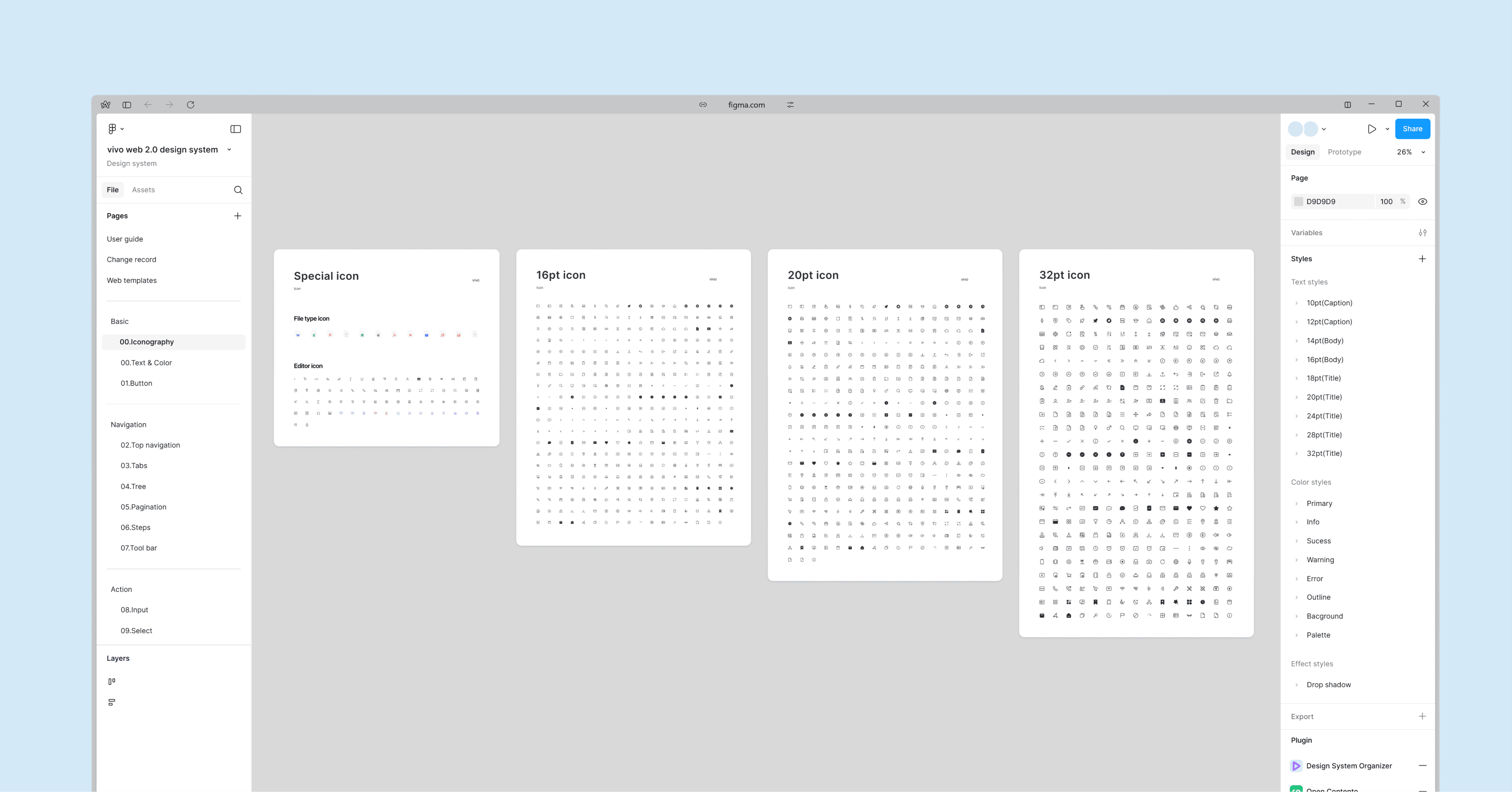
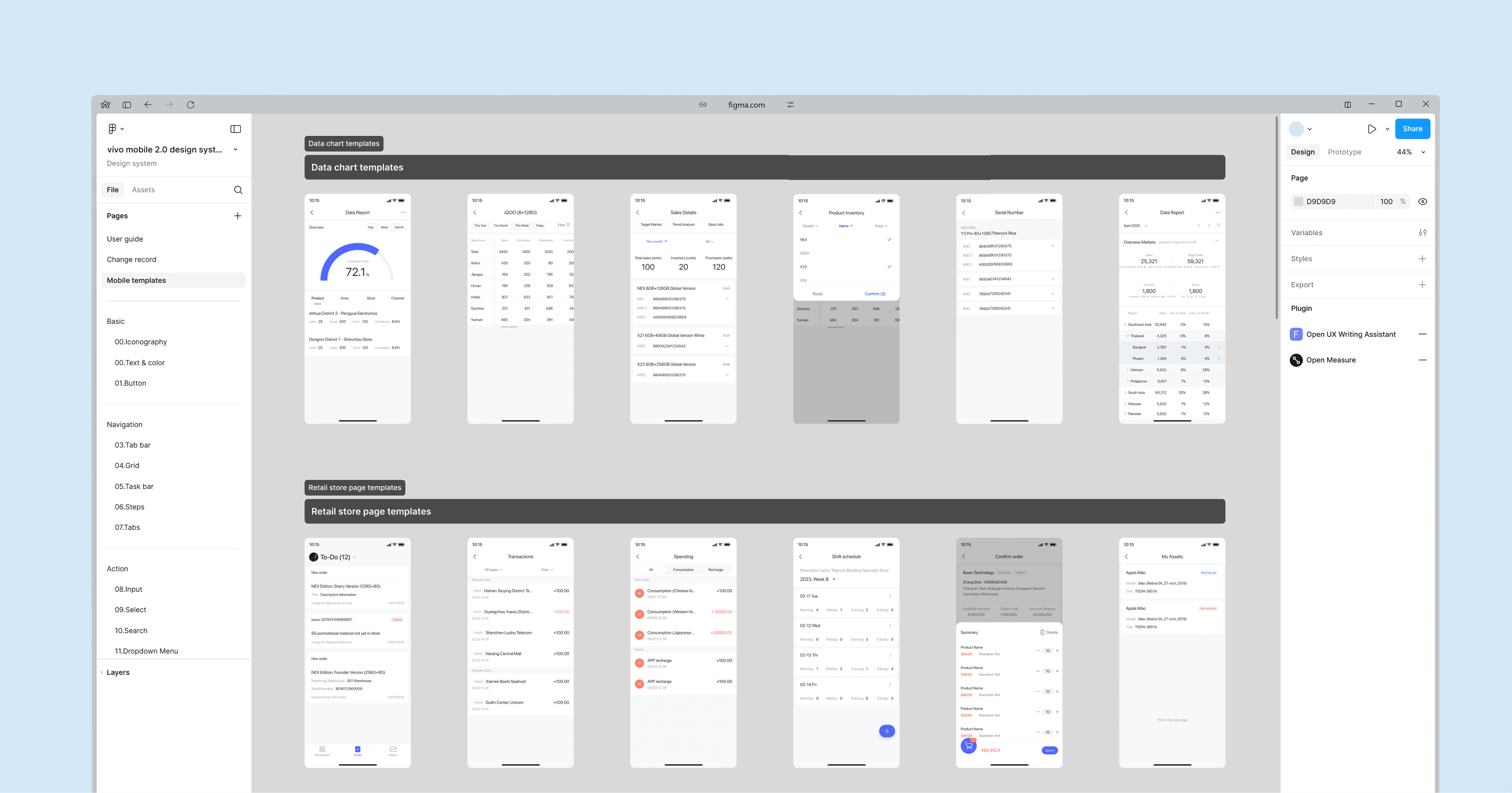
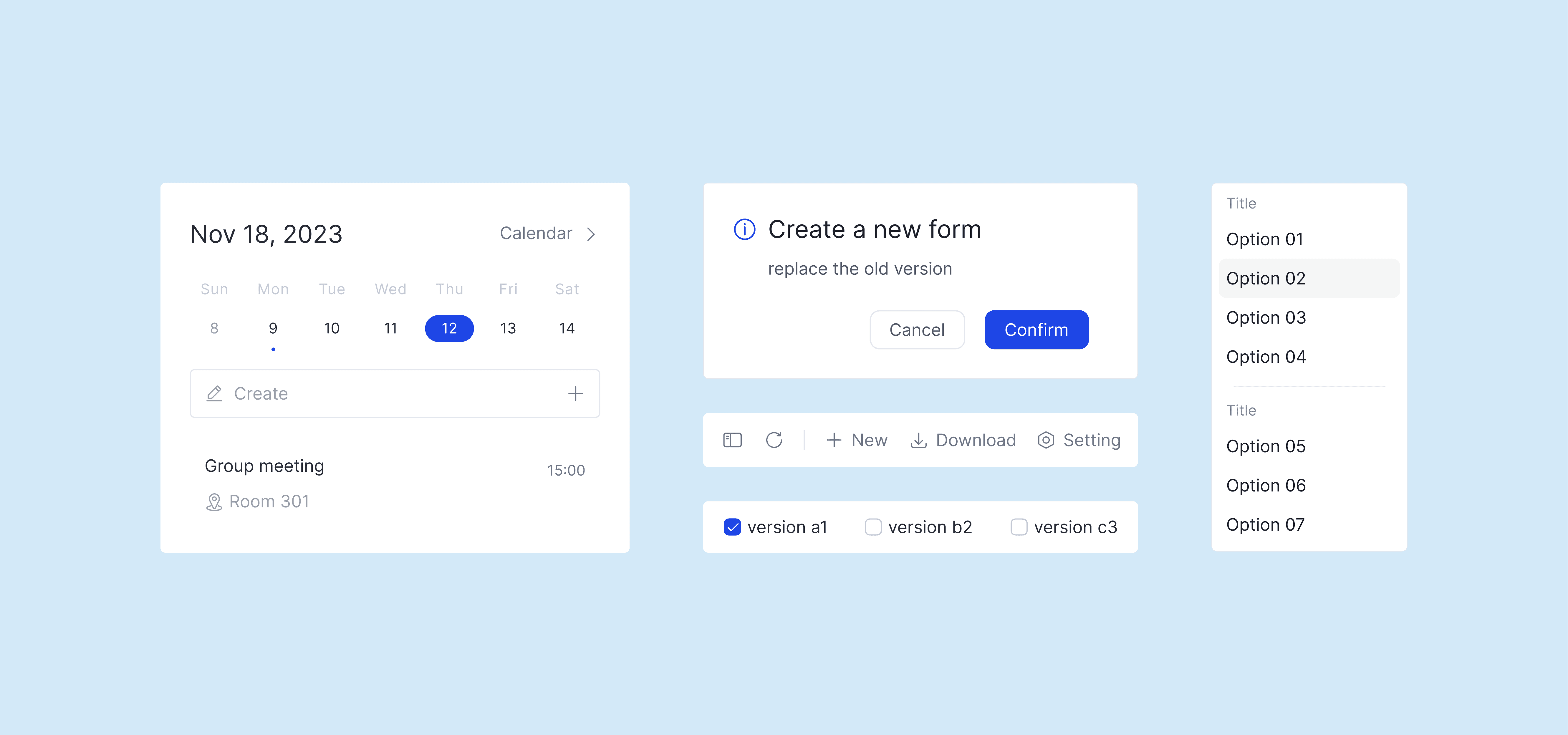
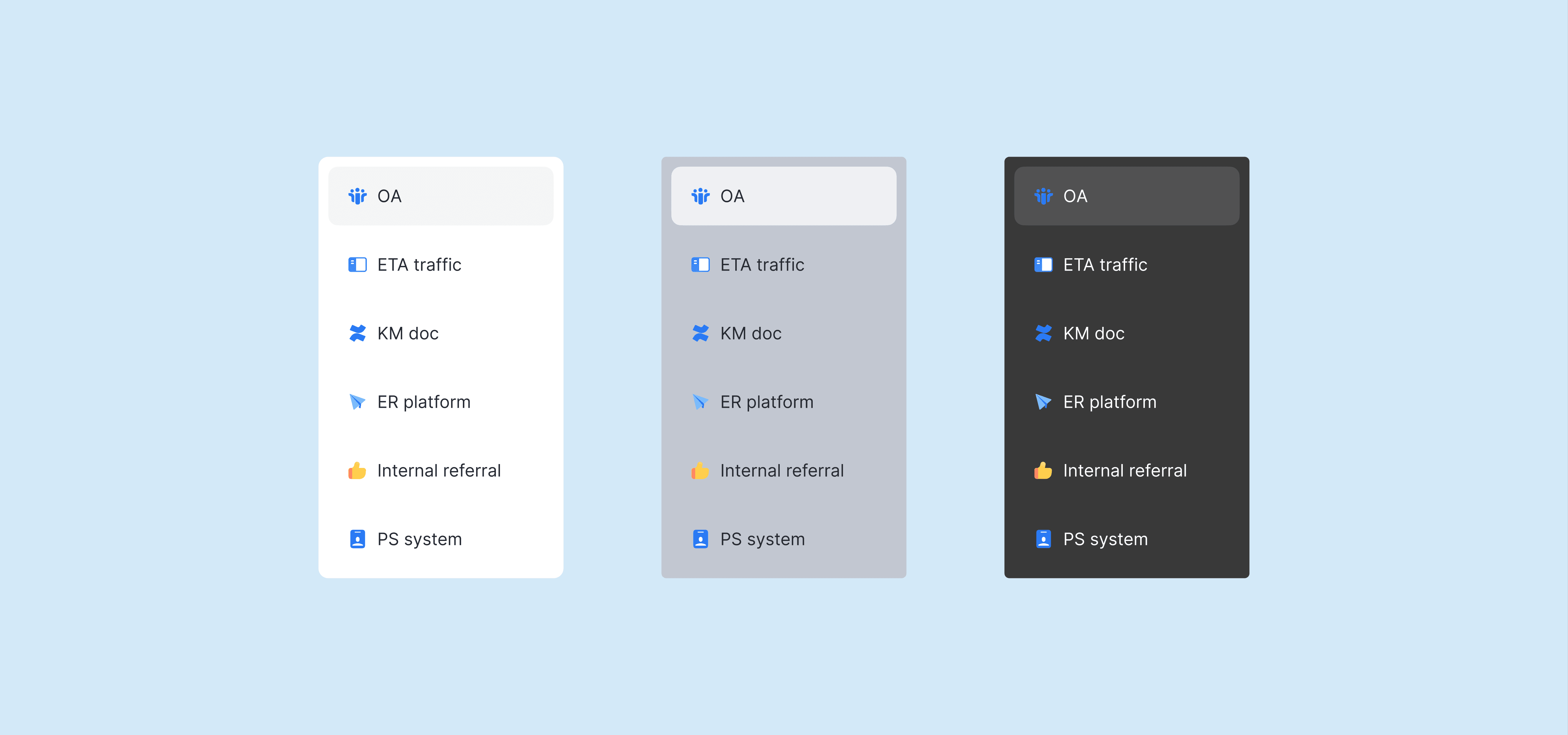
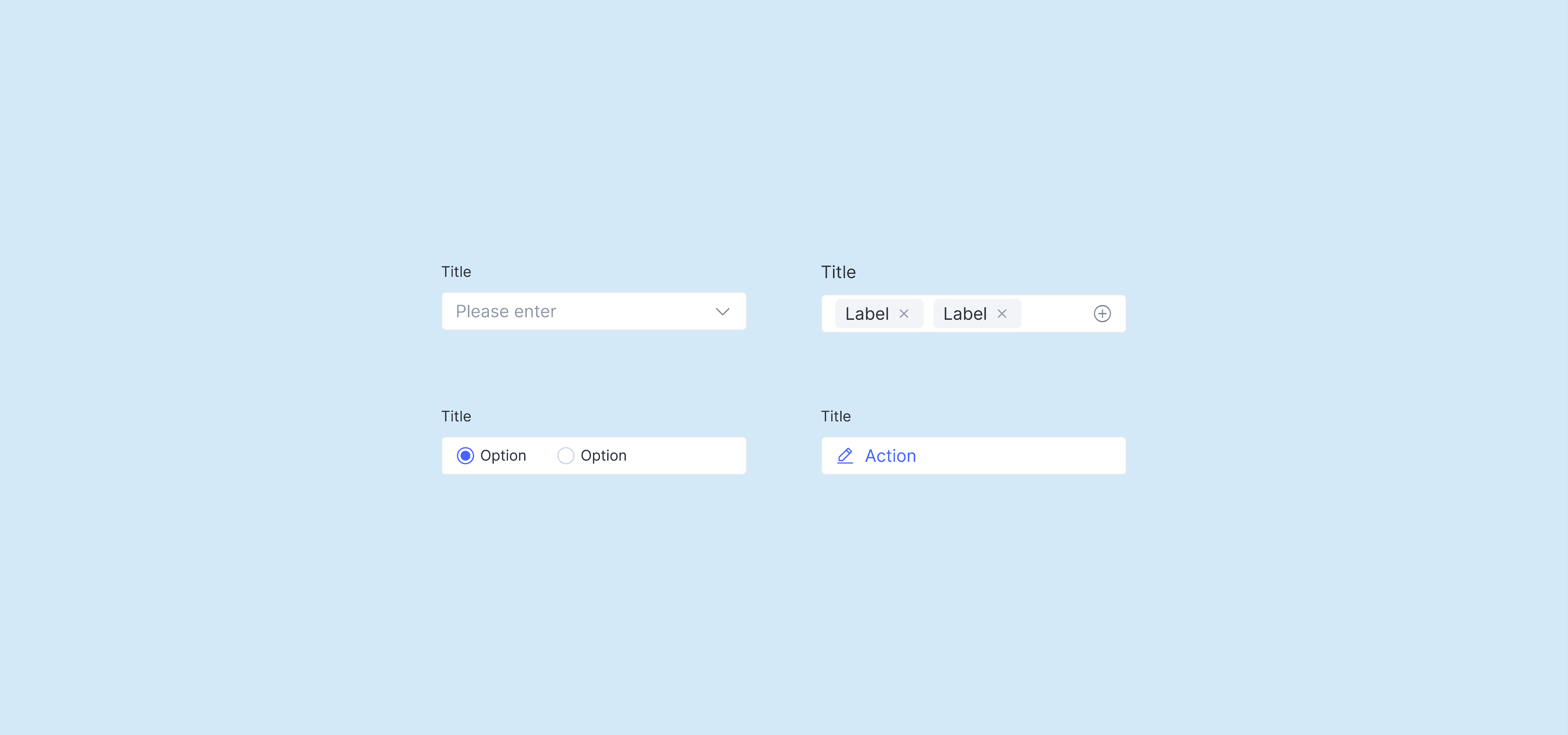
One of my key focuses was modernizing the visual layer of our web components.
I refreshed colors, typography, and spacing, and brought everything into a consistent style. This helped turn a fragmented UI into a cohesive system that better reflects the vivo brand.
One of my key focuses was modernizing the visual layer of our web components.
I refreshed colors, typography, and spacing, and brought everything into a consistent style. This helped turn a fragmented UI into a cohesive system that better reflects the vivo brand.
One of my key focuses was modernizing the visual layer of our web components. I refreshed colors, typography, and spacing, and brought everything into a consistent style. This helped turn a fragmented UI into a cohesive system that better reflects the vivo brand.
Our team contributed ideas and rules, but they were scattered and hard to use.
I consolidated everything into a single, structured guideline—balancing minimalism with usability. The result is a document that’s not just visually clean, but also easy to navigate and apply in real work.
Our team contributed ideas and rules, but they were scattered and hard to use.
I consolidated everything into a single, structured guideline—balancing minimalism with usability. The result is a document that’s not just visually clean, but also easy to navigate and apply in real work.
Our team contributed ideas and rules, but they were scattered and hard to use. I consolidated everything into a single, structured guideline—balancing minimalism with usability. The result is a document that’s not just visually clean, but also easy to navigate and apply in real work.
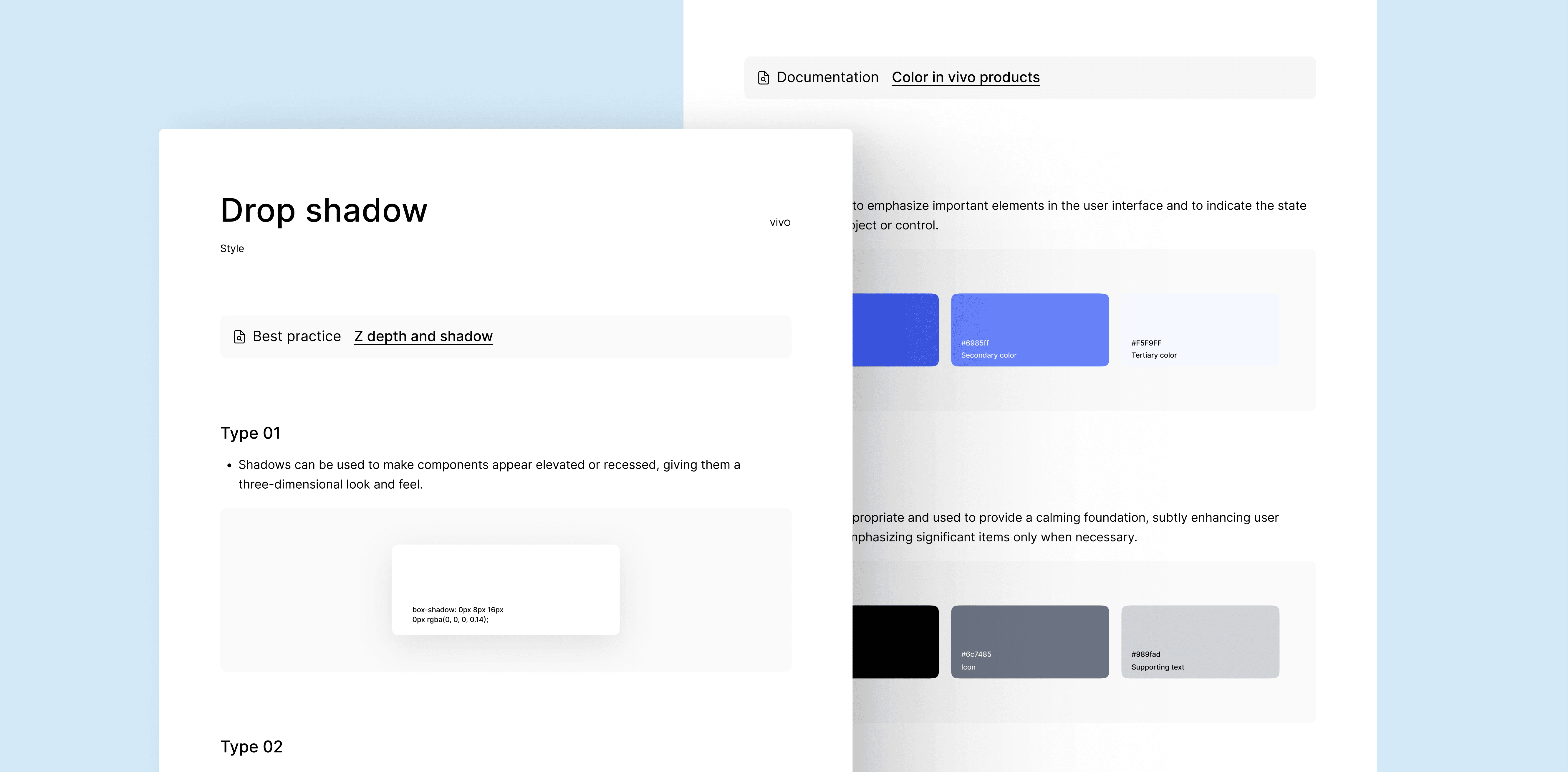
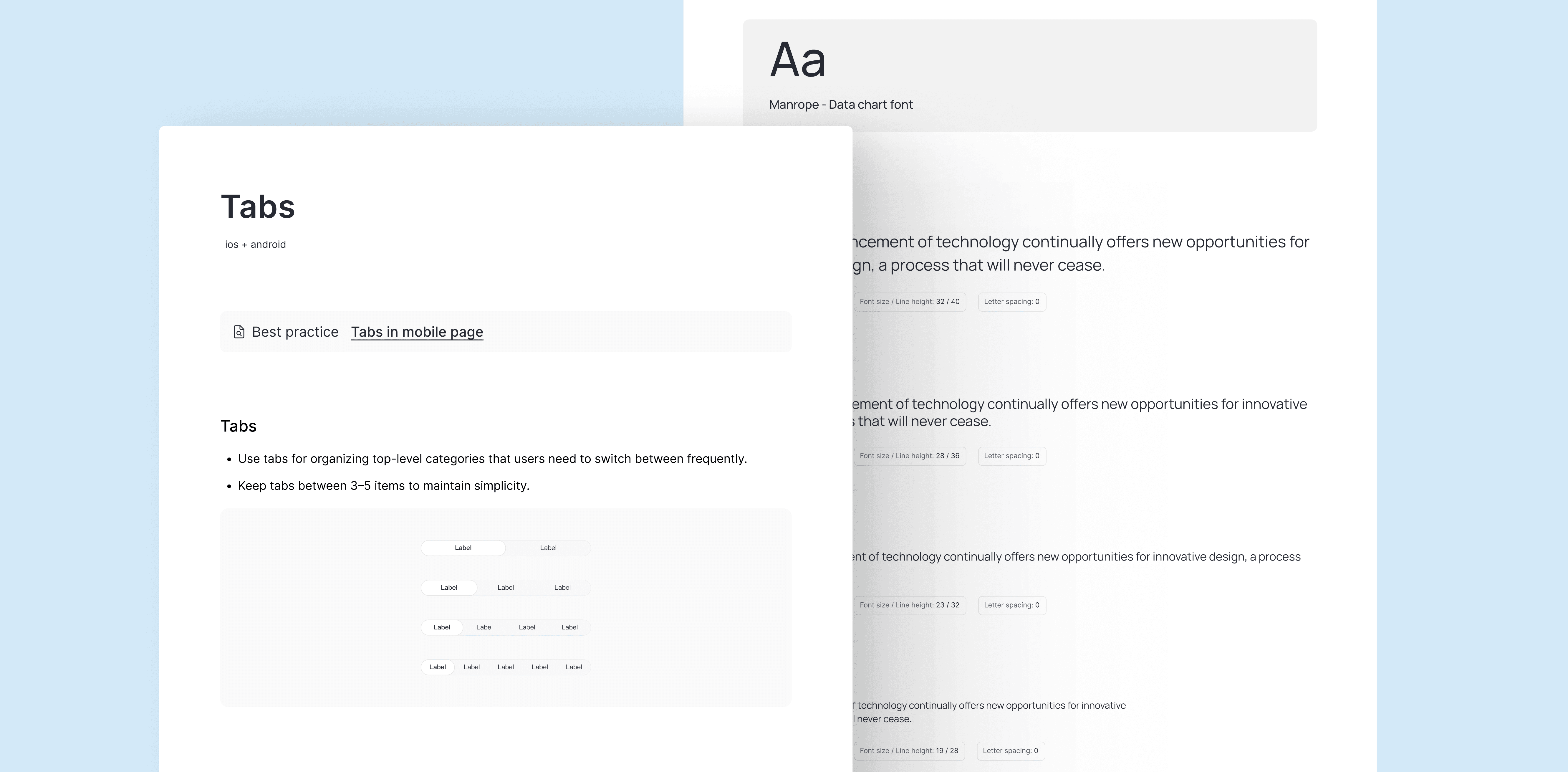
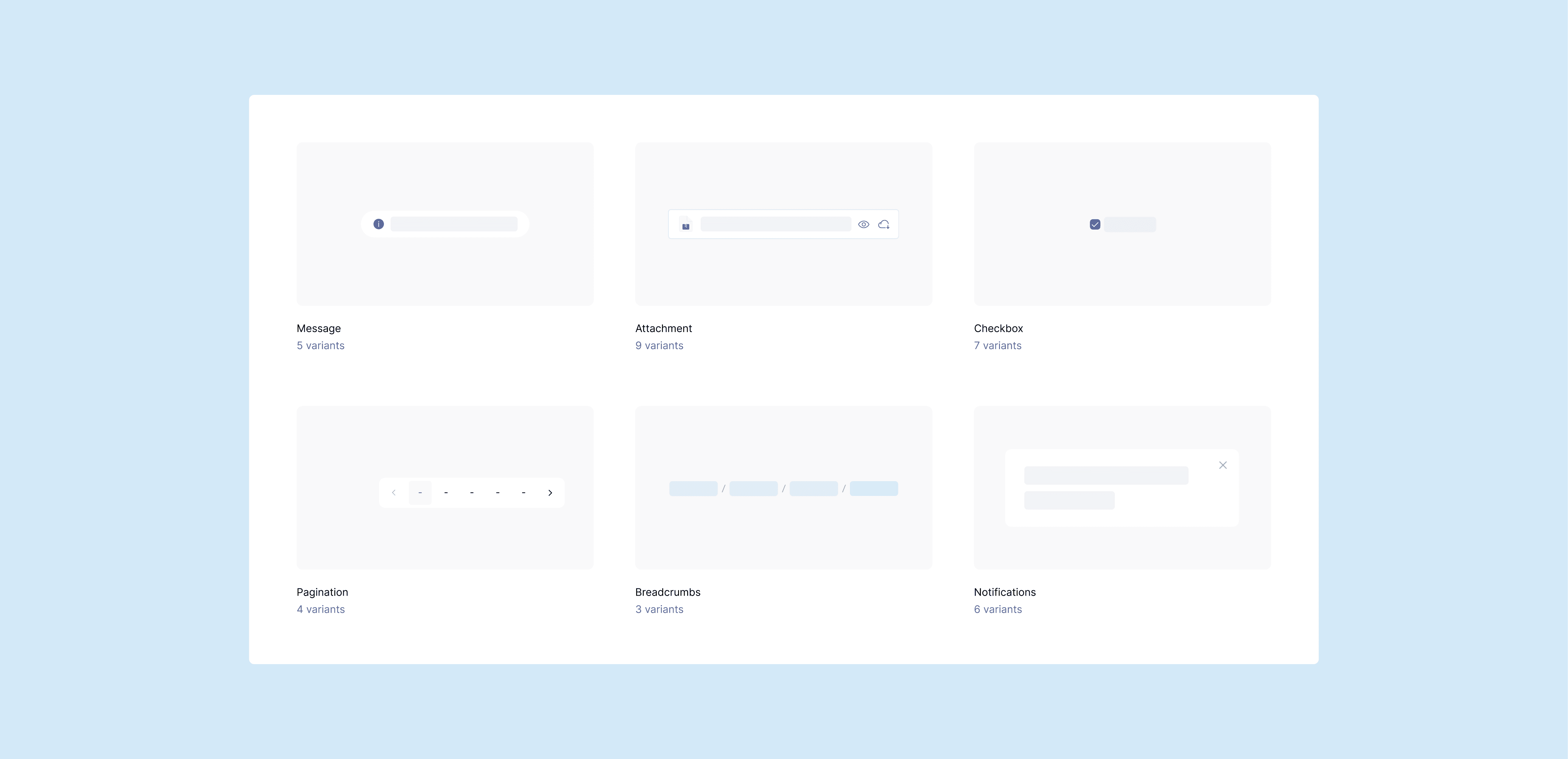
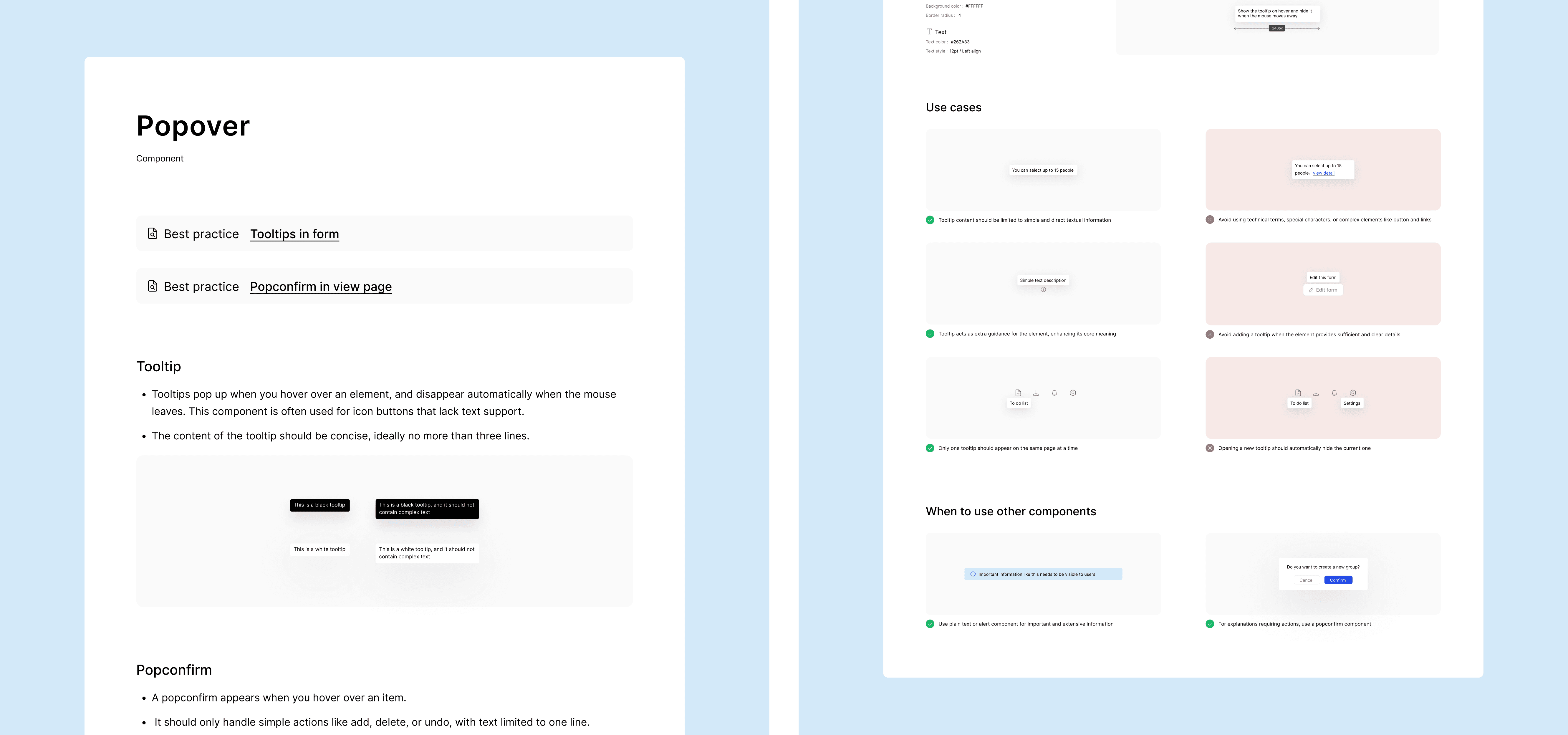
I split the system into two parts: a component library and a usage guideline.
The library focuses on what to use.
The guidelines explain how and when to use it.
This makes it faster for designers to find what they need without digging through unnecessary details.
I split the system into two parts: a component library and a usage guideline.
The library focuses on what to use.
The guidelines explain how and when to use it.
This makes it faster for designers to find what they need without digging through unnecessary details.
I split the system into two parts: a component library and a usage guideline. The library focuses on what to use. The guidelines explain how and when to use it. This makes it faster for designers to find what they need without digging through unnecessary details.
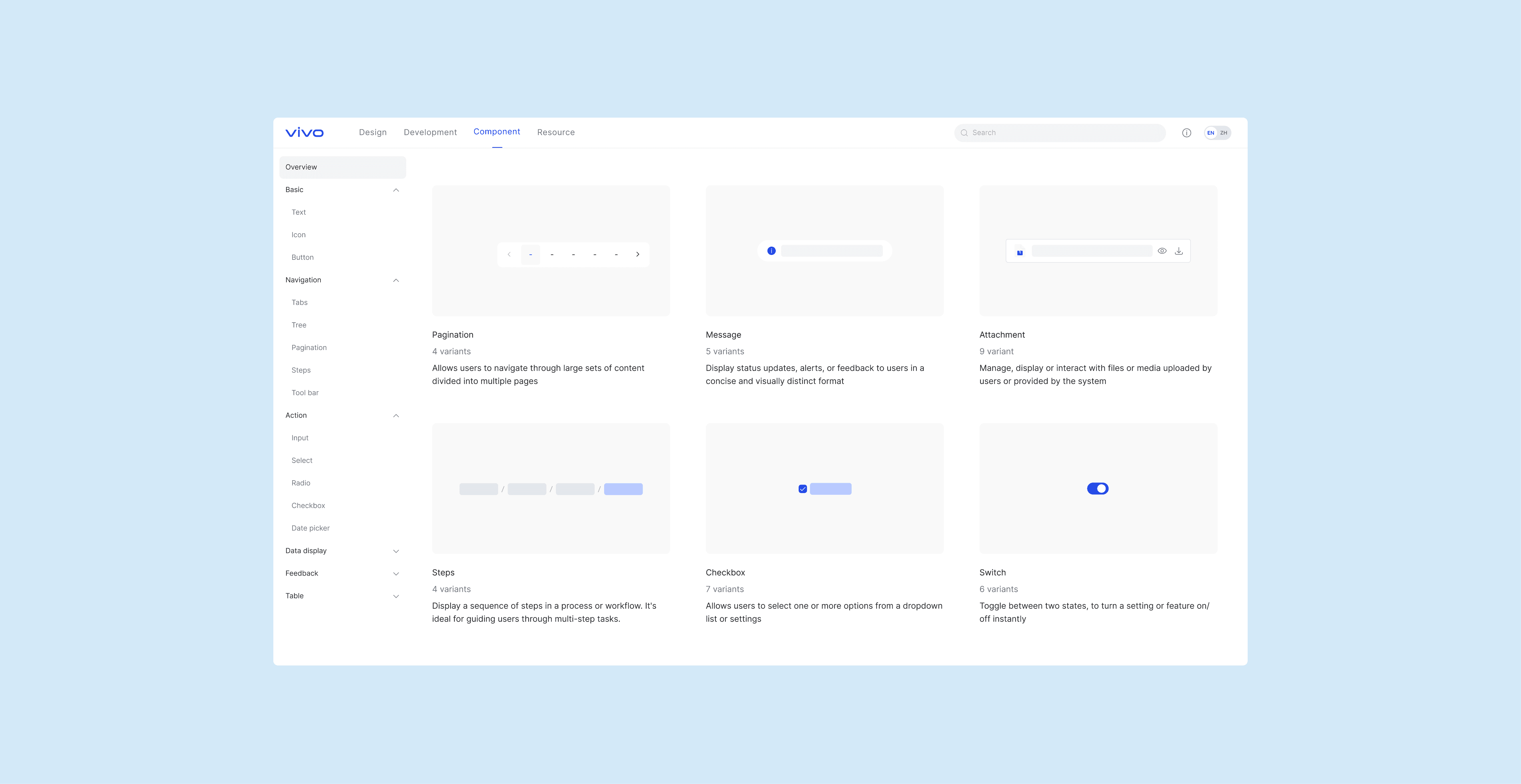
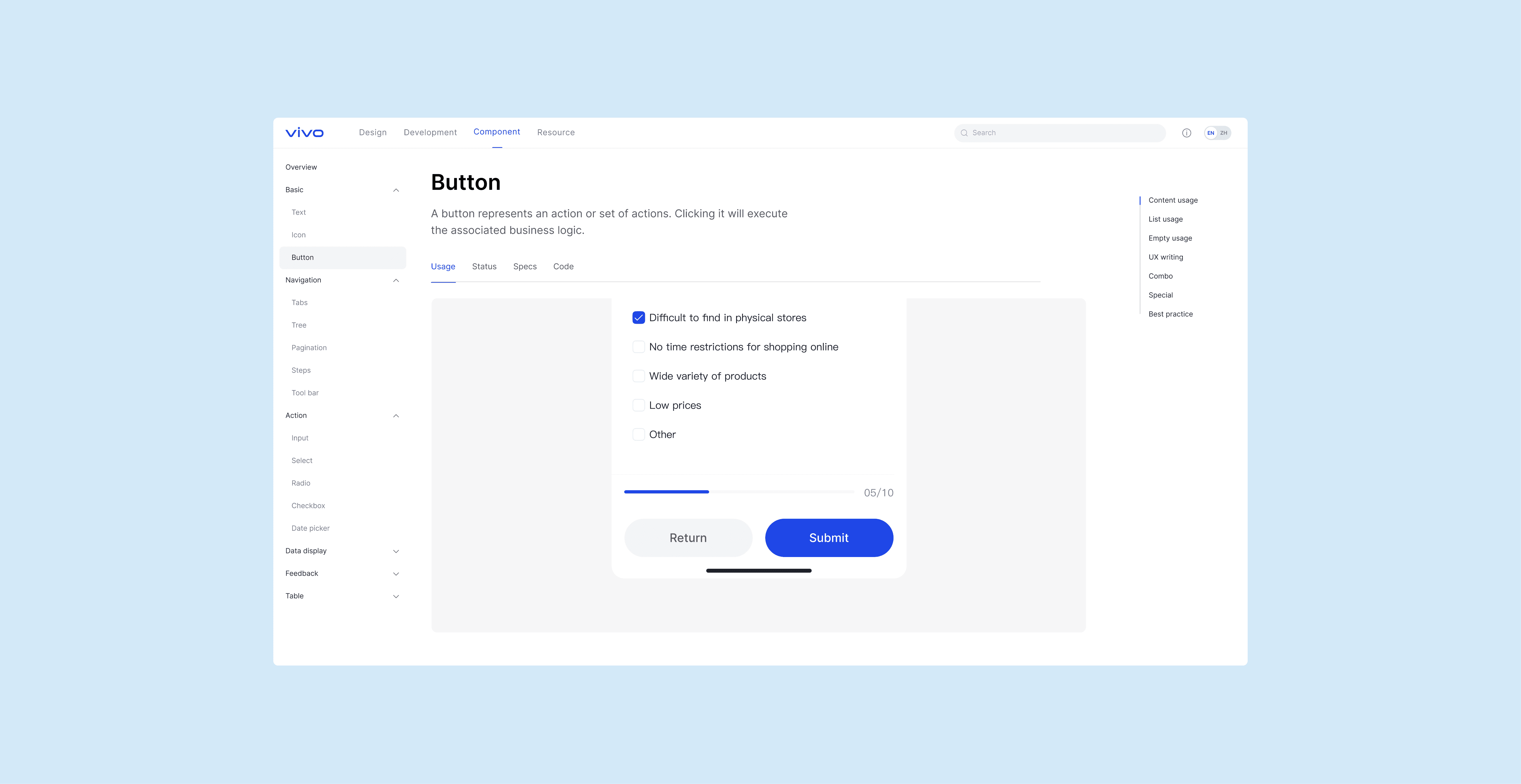
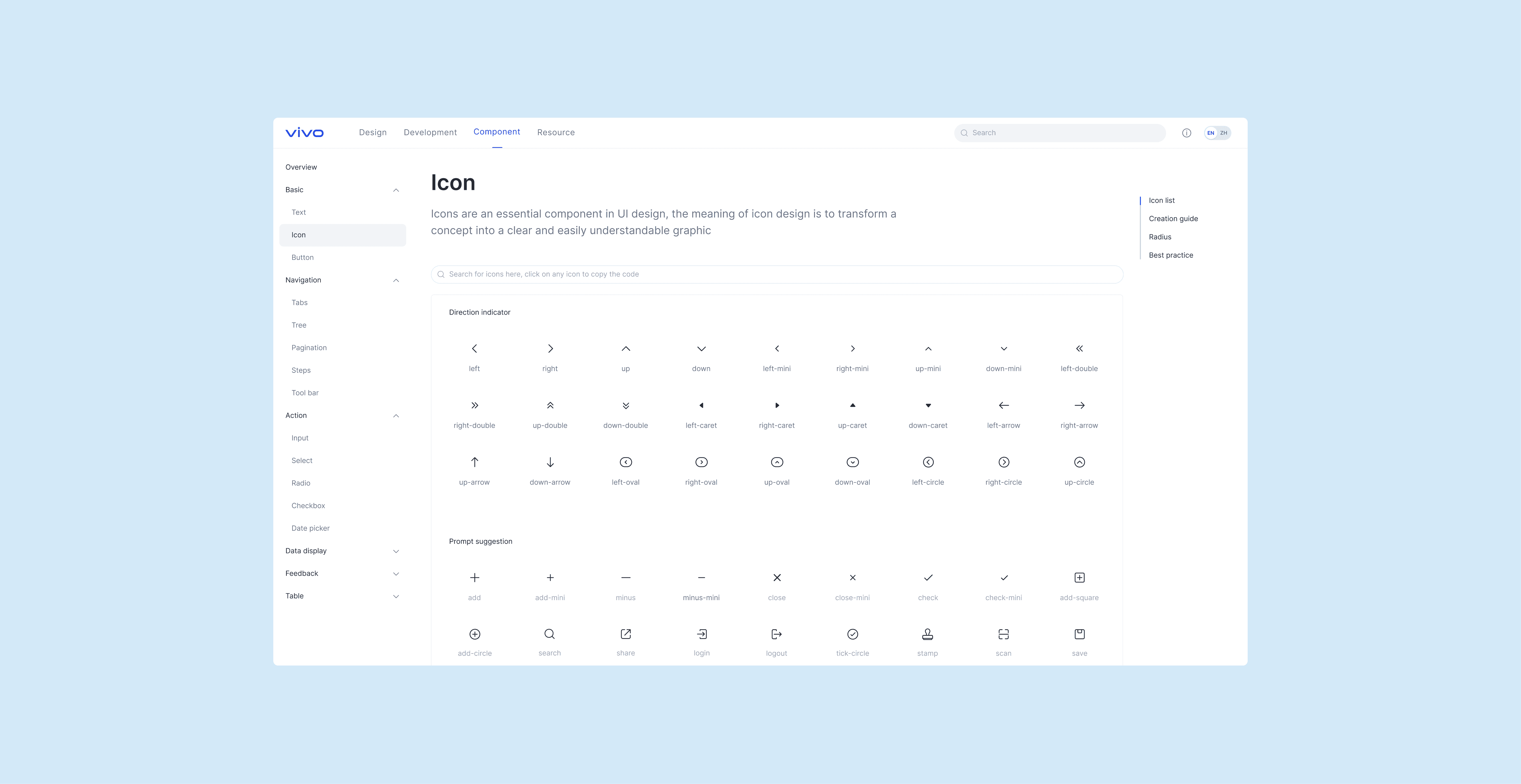
To make the system actually used, I worked closely with engineers to build the vui website.
I defined the structure, improved navigation, and shaped the content to make everything clear and practical. This turned the site into a go-to resource for teams, helping them apply the design system consistently in real projects.
To make the system actually used, I worked closely with engineers to build the vui website.
I defined the structure, improved navigation, and shaped the content to make everything clear and practical. This turned the site into a go-to resource for teams, helping them apply the design system consistently in real projects.
To make the system actually used, I worked closely with engineers to build the vui website. I defined the structure, improved navigation, and shaped the content to make everything clear and practical. This turned the site into a go-to resource for teams, helping them apply the design system consistently in real projects.
vivo design system
ui kit guideline
I own and evolve the vivo design system, keeping our products feel consistent and easy to use. By building a unified design language, I help teams ship faster while maintaining the experience coherent, and aligned with the brand.